
The whole page.
Or just enough.
Choose Full page, Visible area, or Selected area. Save a long article or frame a precise detail.
Full Page Screenshot · For Chrome
From a whole web page to the detail that matters. Capture, tidy up, find text, and share a clear result.
Submitted to the Chrome Web Store for review. Every feature is free. No extension account required.

A little less friction.
A lot more clarity.
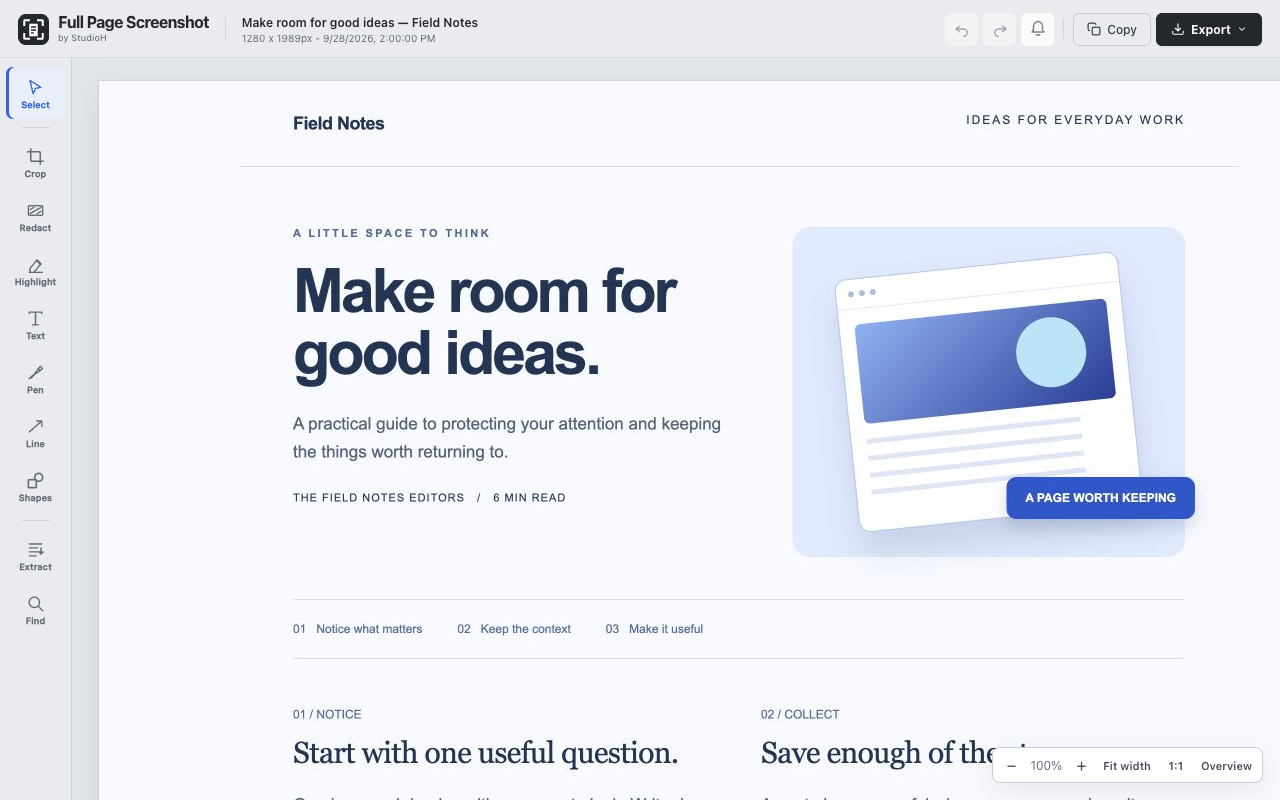
A useful little workflow
Keep a reference, explain a change, or share the part someone needs to see.
Choose Full page, Visible area, or Selected area. Save a long article or frame a precise detail.
Crop, highlight, add text and arrows, or cover sensitive details with solid redaction. Undo and refine as you go.
Copy an image or save PNG, JPEG and PDF. Find collected page text, or recognise text in the image locally.
Your browser. Your work.
Screenshots, edits and text recognition are processed in your browser. No cloud OCR service, account or purchase is needed in the extension.
Save your work before closing the editor: captures and edits are temporary, rather than a cloud screenshot library.
How your data is handledFree to use. Yours to support.
Every feature is included. If StudioH makes your day easier, an optional coffee helps me keep making useful software.
Buy me a coffee